Solo and Mute, without touching the export
Listen to one channel or a group while the export ticks stay as they are. Pick the audio output next to the volume.
Open an X-Live or W-Live session, name the channels from your console scene, and export stems for every song with a REAPER project ready to open.
Windows 10 and 11 · X32, M32 and Wing · $19, one-time · 2 computers
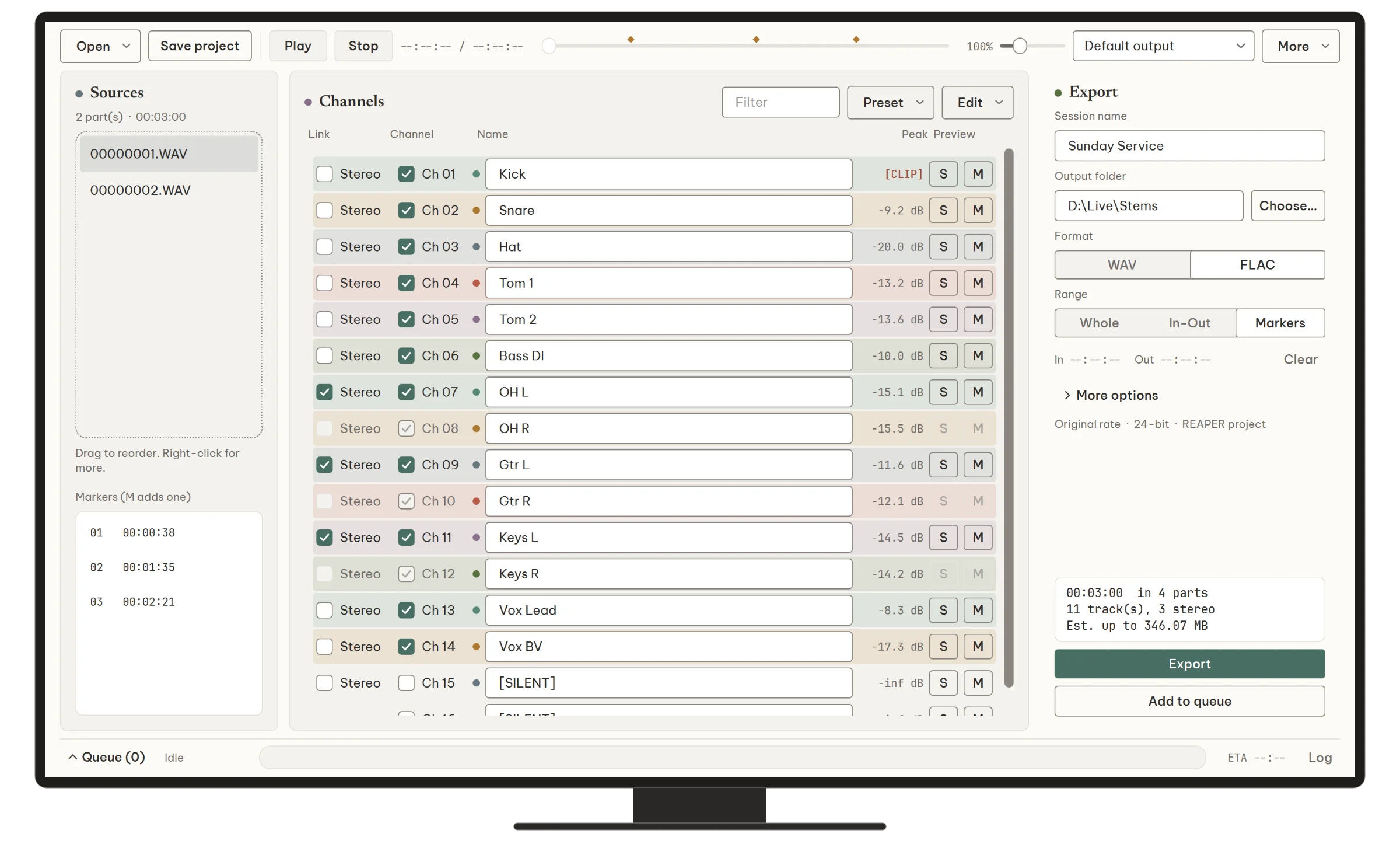
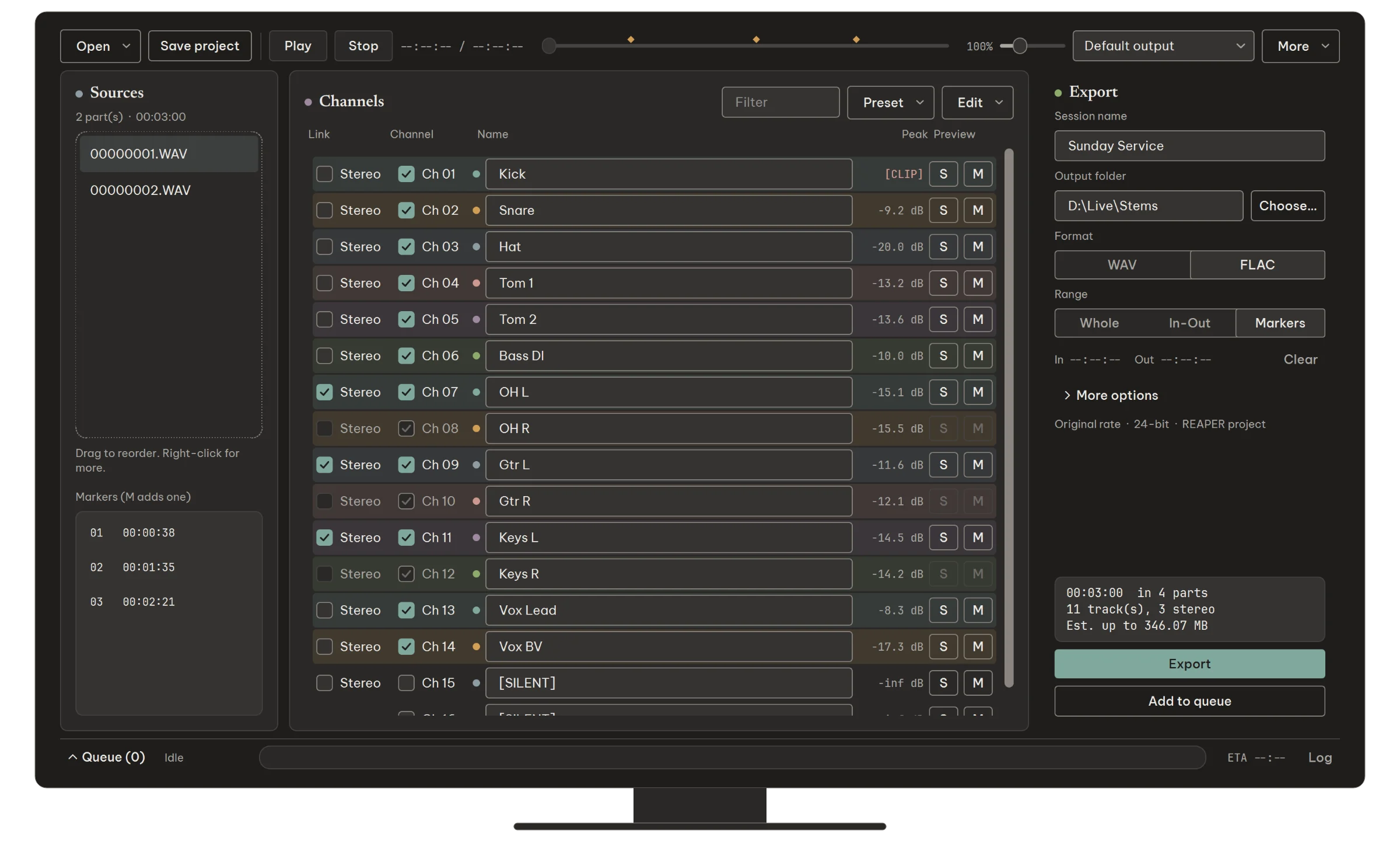
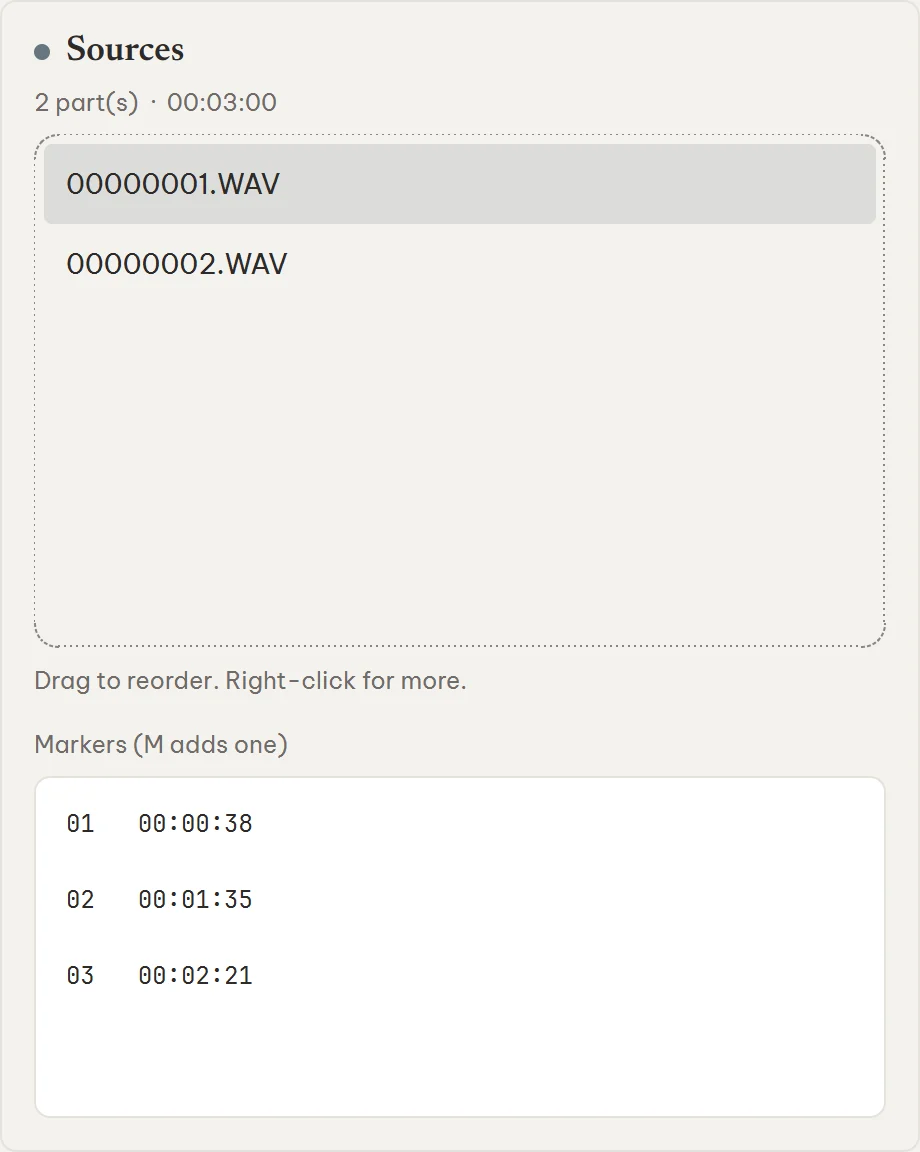
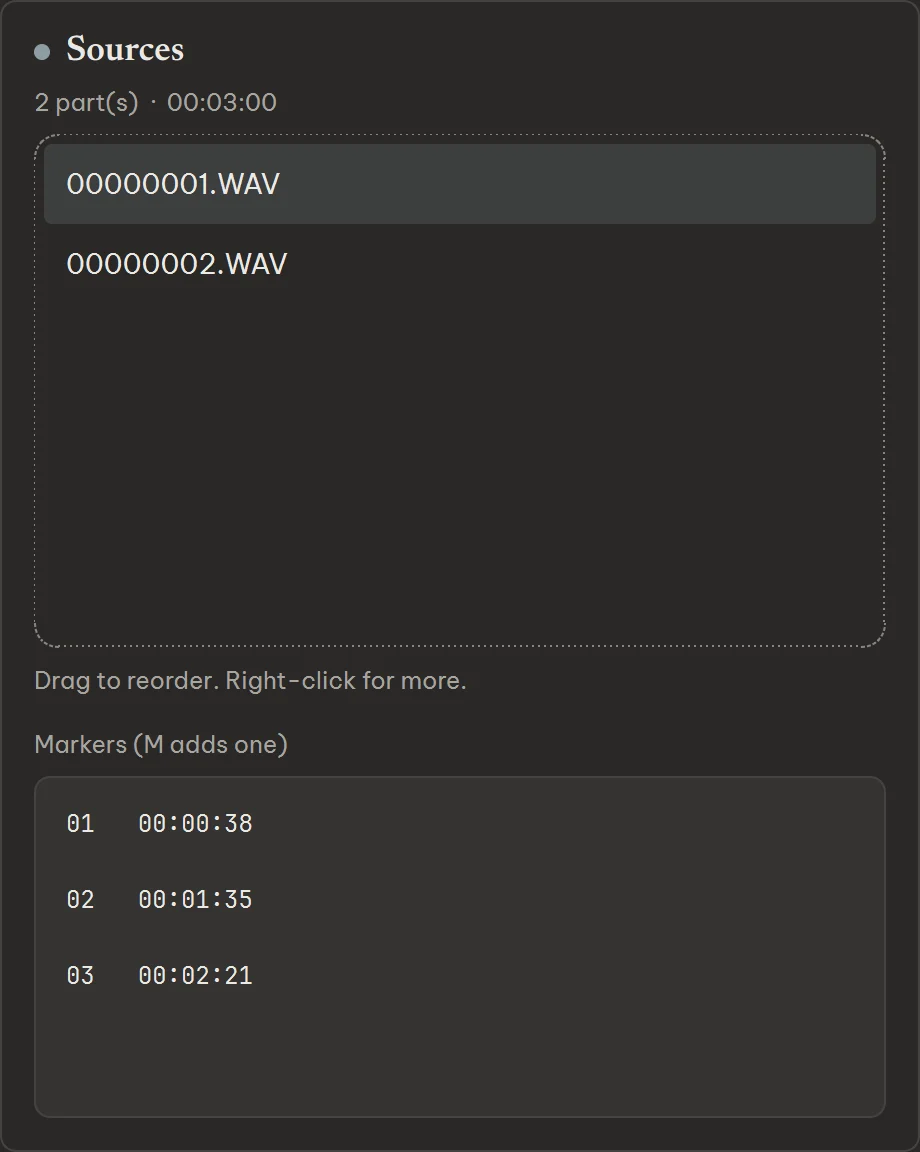
Drag the session folder from the SD card. The parts load in the right order, with the session name and the markers you set on the console, read from SE_LOG.BIN.
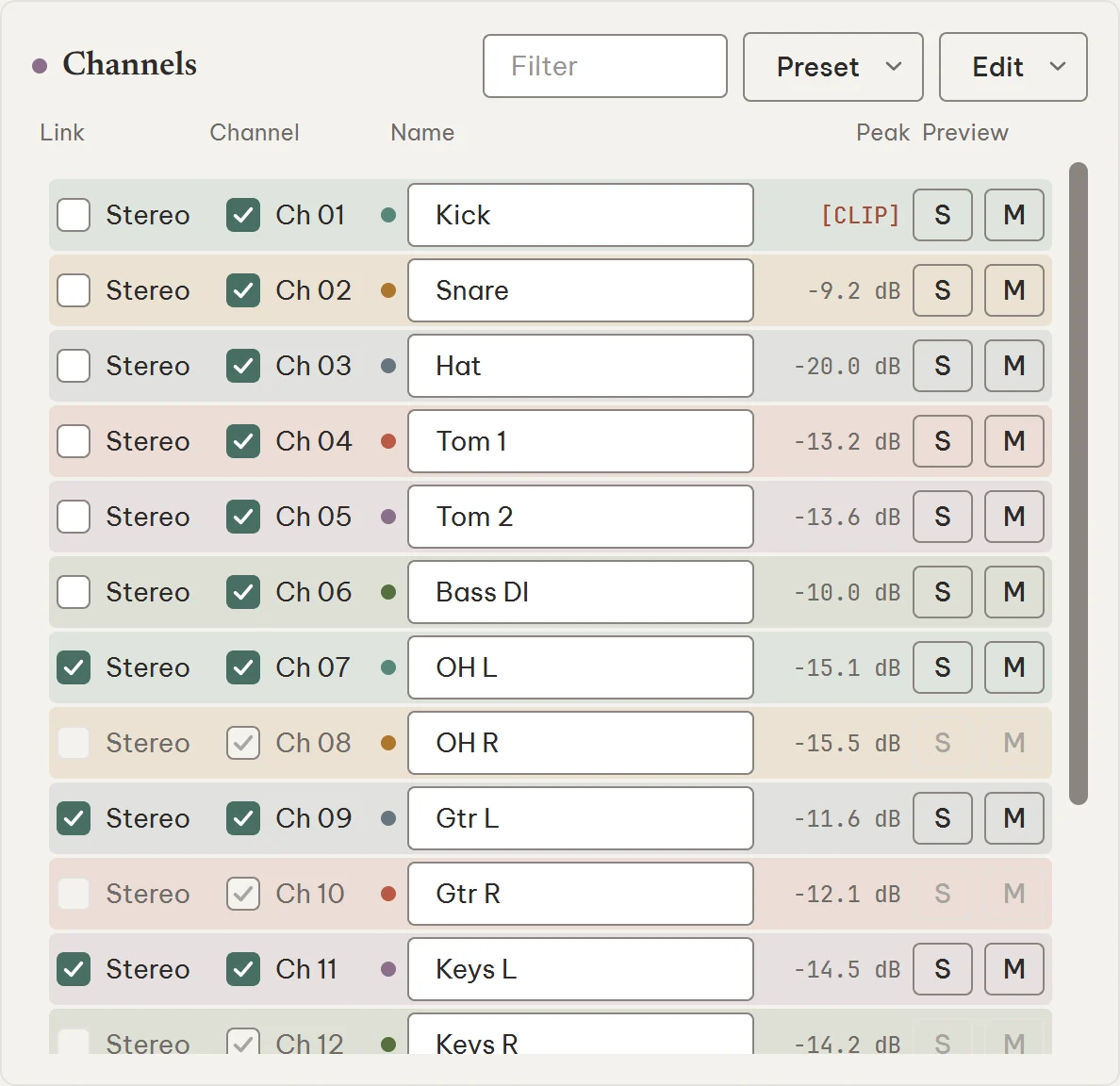
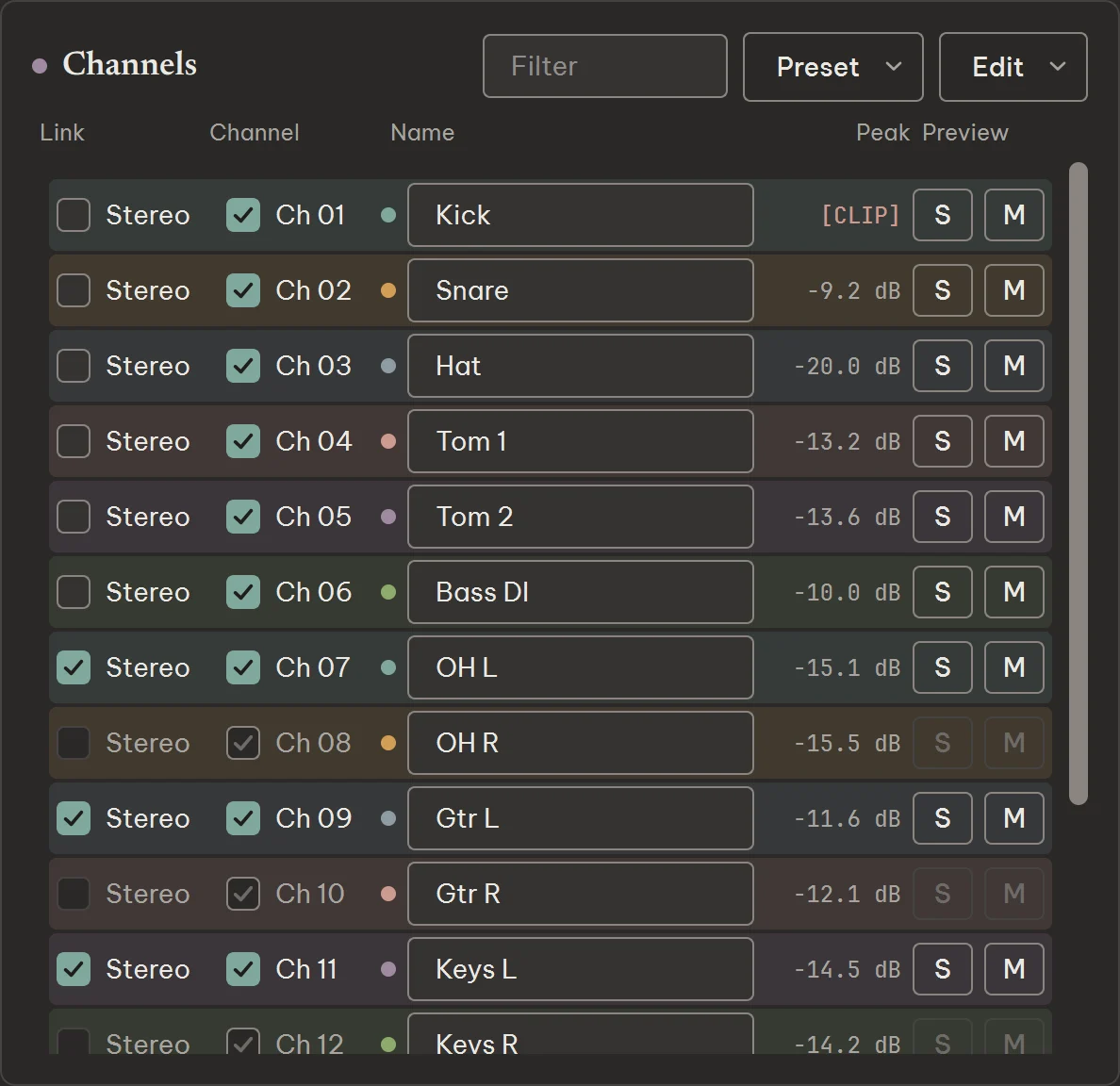
Import an X32 or M32 scene, or a simple CSV, and all 32 names and links are in place. Each channel shows its peak level; [CLIP] flags one that hit 0 dBFS, and empty channels are unticked for you.
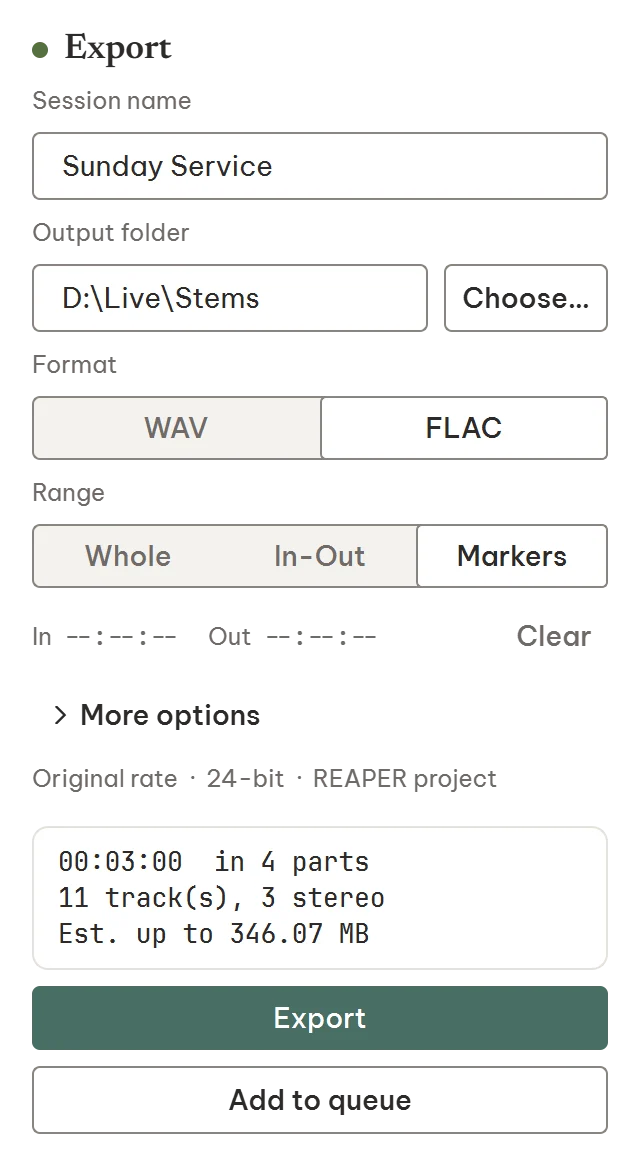
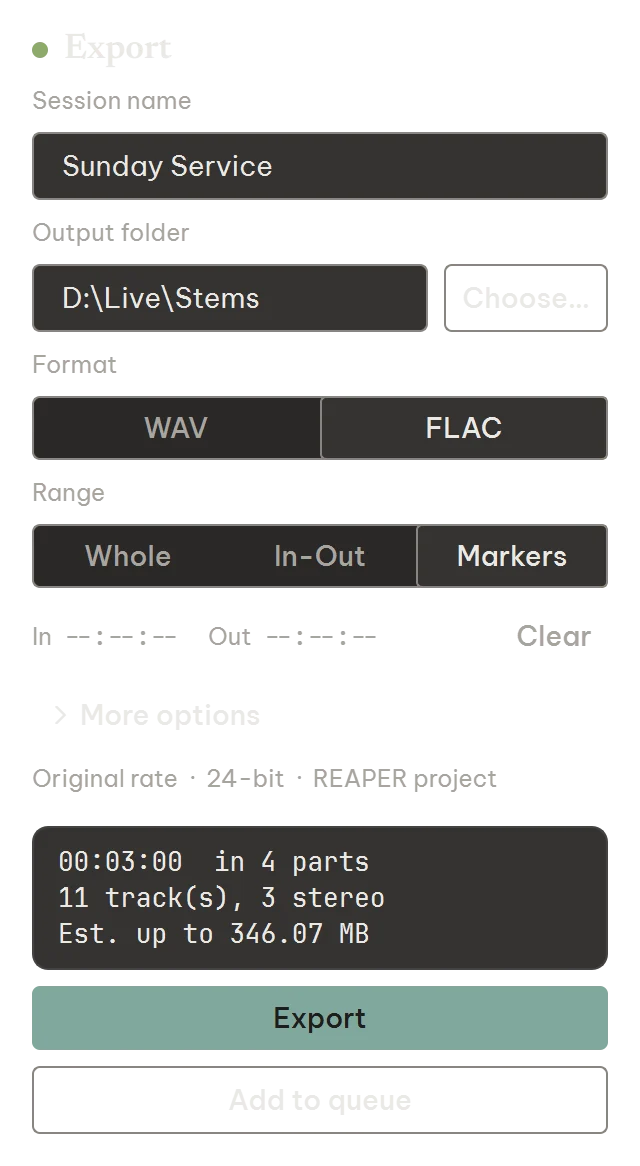
Export the whole show, an In to Out range, or every part between markers to its own folder. Choose WAV or FLAC, and get an .rpp next to the files with every track named and the markers in place.
Listen to one channel or a group while the export ticks stay as they are. Pick the audio output next to the volume.
Treat channels below -70 or -60 dBFS as empty, so a preamp left on with nothing plugged in does not end up as a stem.
Lossless FLAC at 16 or 24-bit for sending a show through the cloud.
Save quick presets for each band or service and apply them from the Preset menu.
Queue several shows. One that fails stays as [FAILED] and the rest still export.
One file, Extractor Pro V3.exe. Nothing to install.
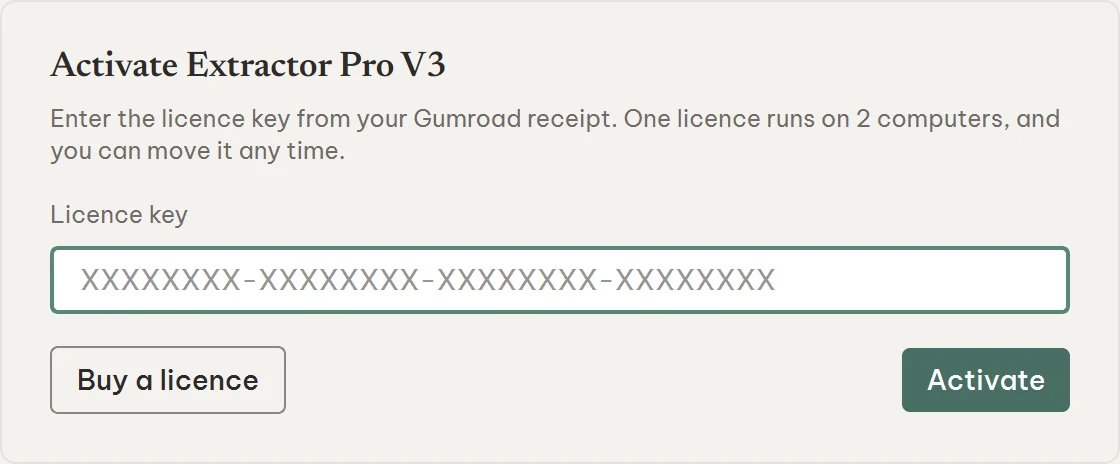
The licence key is on your Gumroad receipt. Activation needs the internet once.
Choose the output folder once, then press Export. The length, tracks and size are shown before you start.
Any multichannel WAV works. The session features read the folders and files that the X-Live and W-Live cards write.
The splitter, free for everyone.
Everything in V2, plus the live session workflow.
Checkout, receipts, taxes and refunds are handled by Gumroad.
Any multichannel WAV, in one or several parts. Session folders from the X-Live and W-Live cards load with their markers and name. Mono and polyphonic WAV from field recorders work too.
Play it in the preview and press M where each song starts, or set In and Out with I and O. Then choose Markers or In-Out under Range.
Not yet. Scene import reads X32 and M32 scenes (.scn) and CSV files today. For a Wing, export the channel names to a CSV, one name per row.
V3 is for Windows 10 and 11 (64-bit) for now.
SmartScreen shows this for new apps that are not yet code-signed. Choose “More info”, then “Run anyway”.
V2 stays free and keeps working. V3 is for people who handle live sessions often: markers, scenes, cutting by song, FLAC and REAPER. Both can sit on the same PC.
Your key activates V3 on up to 2 computers. Moving to a new PC? Deactivate the old one under More, Licence, or from the activation window on the new PC. No email needed.
After activation, yes. V3 checks the licence again when it can and keeps working for up to 30 days without a connection.
Only what the licence check needs: your key, a computer ID and the PC name. Your recordings never leave your PC. See the privacy page.
Write to contact@gatistudio.com with your order number. Refunds are made through Gumroad; a refunded key stops working.